All articles
LinkedInJuly 14, 2026 · 5 min read

What a Good LinkedIn Profile Photo Actually Looks Like in 2026

Trends have shifted. Here's what works right now on LinkedIn — and what looks dated.

LinkedIn has changed. The platform has gotten more visual, more content-heavy, and more competitive. A profile photo that would have been fine in 2020 might be actively working against you today. Here's what's actually working in 2026.

What's working now

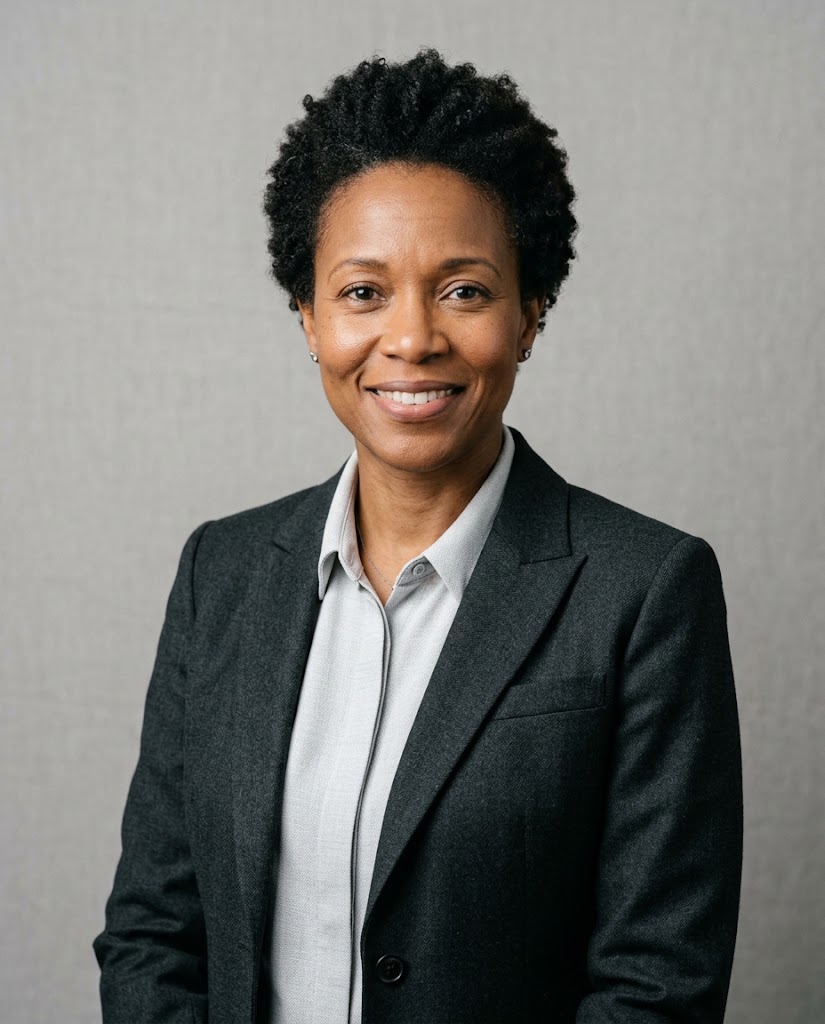
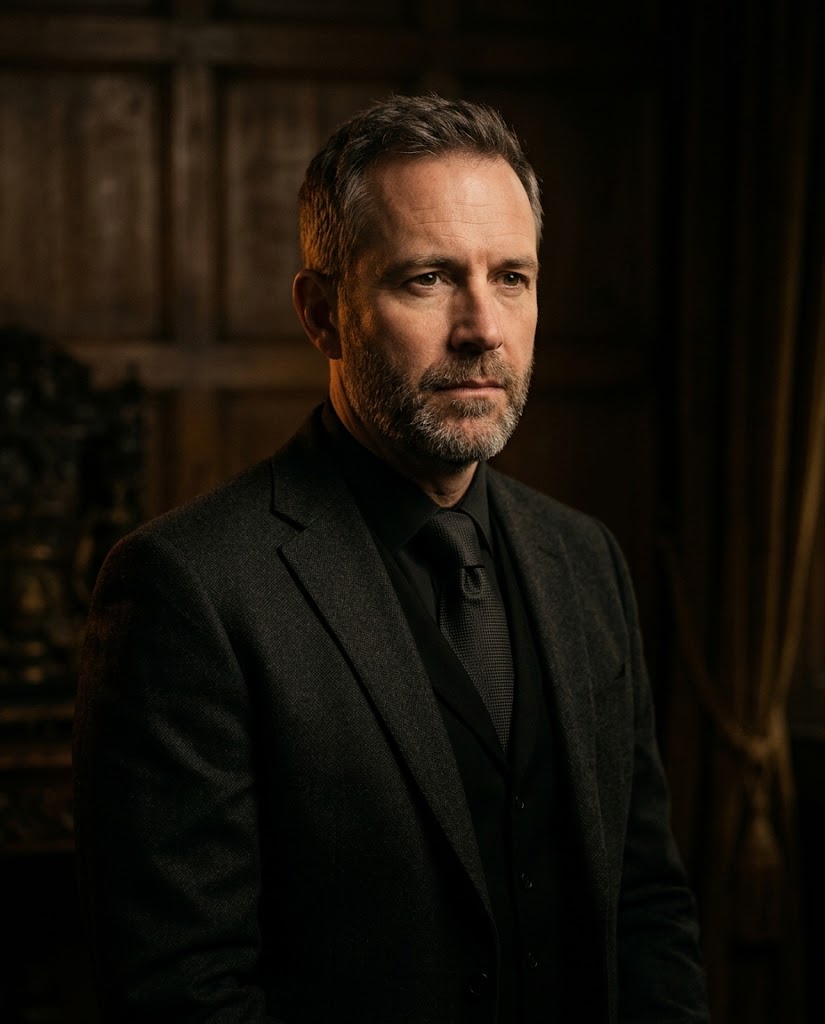
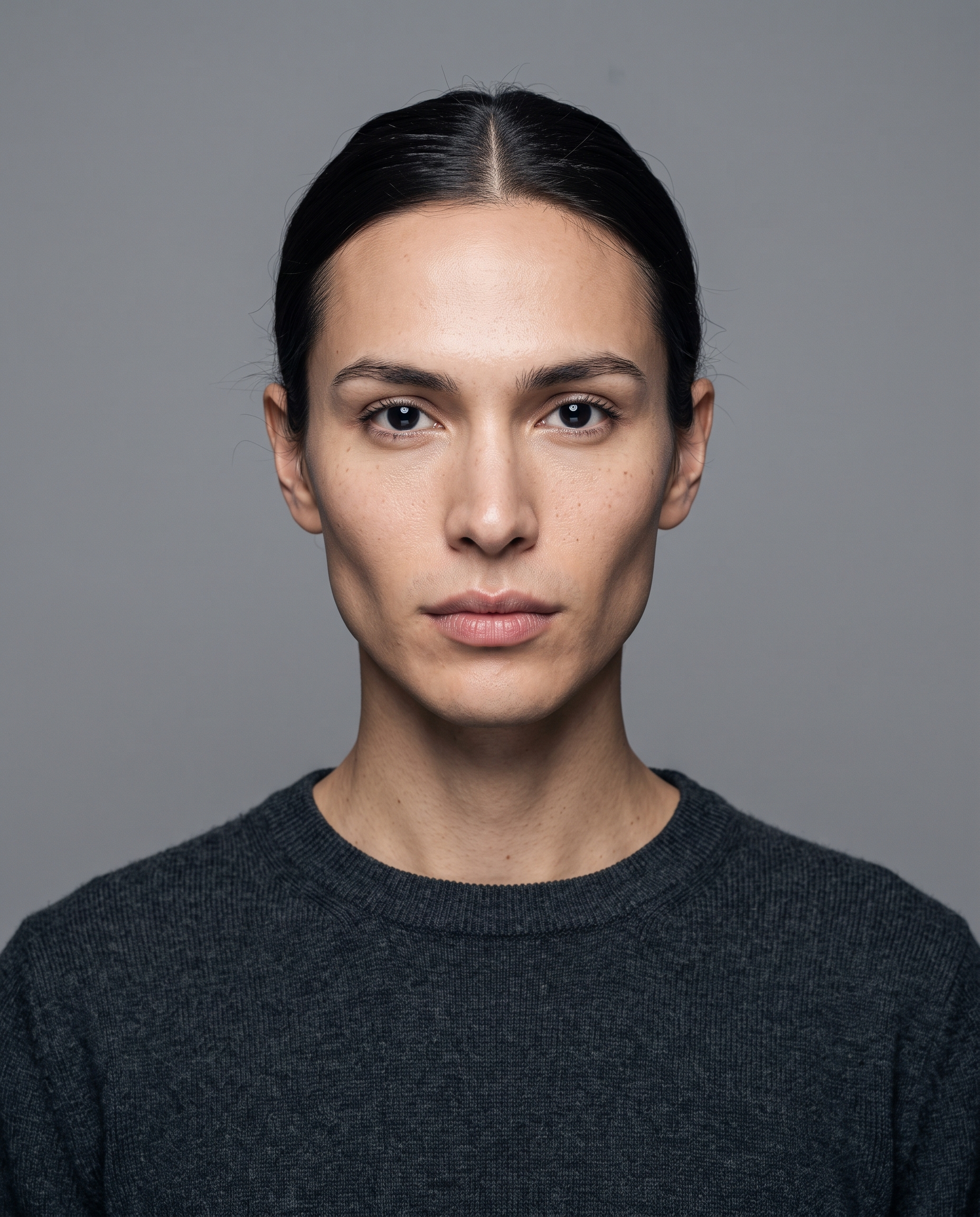
Clean, high-contrast photos. In the LinkedIn feed, where content is dense and the thumbnail for your profile photo is small, a high-contrast image with clear facial features reads much better than a soft, low-contrast one. Dark clothing against a lighter background, or vice versa. Clear, defined features.

Slightly more editorial-feeling photos. The strictly corporate look — grey backdrop, blue suit, arms crossed — has started to feel generic and dated. Photos that look professional but have slightly more personality are performing better. This doesn't mean casual. It means a real expression rather than a performed one.

What's looking dated

  • Pure white or bright grey studio backdrops — too sterile in 2026
  • Overly retouched skin that looks plastic
  • Crossed arms (reads as defensive in 2026's more open professional culture)
  • Very formal attire in industries that have gone fully business-casual
  • Low-resolution photos that were clearly taken years ago

The outdoor photo question

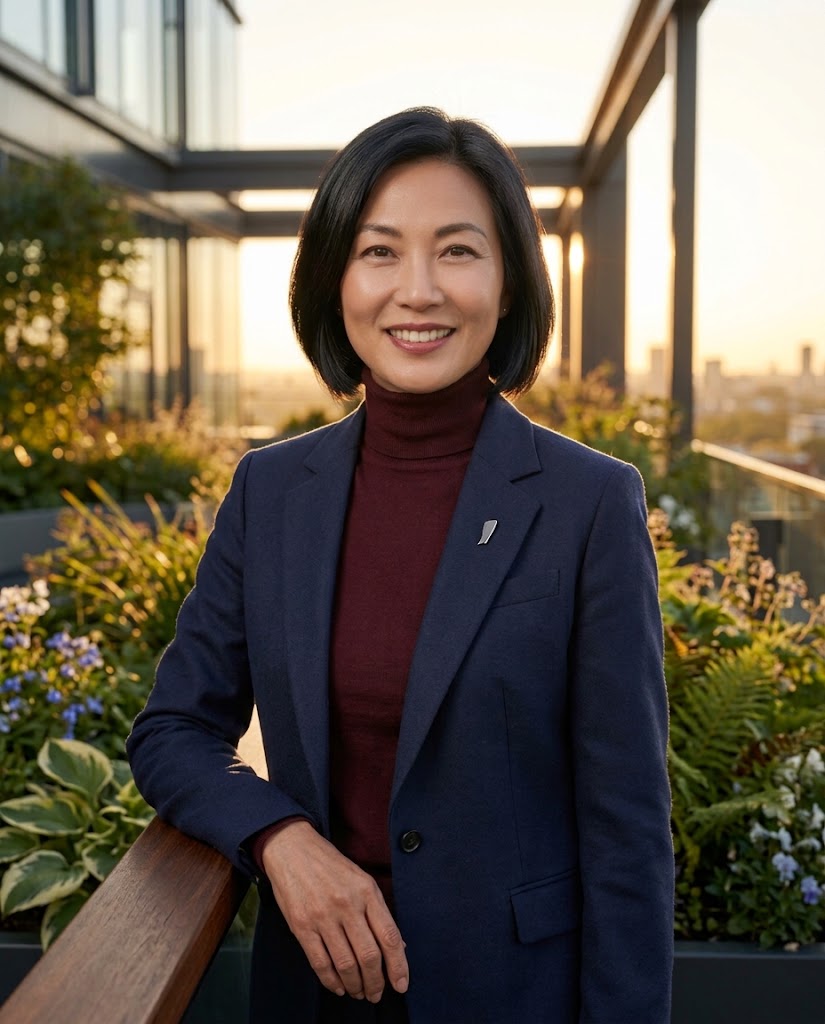
An outdoor photo can work, but it requires the right conditions: even natural light (overcast days are ideal), a non-distracting background, and professional clothing. The biggest mistake people make with outdoor LinkedIn photos is that the background is too busy — trees, buildings, other people — and draws attention away from the face.

Color and clothing

Darker, more muted clothing tends to work better in LinkedIn thumbnails because it creates a clean frame around your face. Busy patterns, logos, or very light colors can distract. Navy, charcoal, and deep burgundy all read well. Bright orange or yellow rarely do.

The fastest way to update your photo right now

If you have a decent selfie and decent clothing, an AI headshot tool is the fastest path to a current, professional-looking LinkedIn photo. The generation process takes under 15 seconds. The result looks like a studio photo. And you can try different styles until you find one that actually looks like you at your best — not an airbrushed version of someone else.

The goal of a LinkedIn photo in 2026 is simple: you should look like a person someone would be glad to have a meeting with. Confident, approachable, clearly professional. That's it. Don't overthink it.

See the difference yourself

Upload a selfie and see what a studio-quality portrait looks like — no credit card needed for the preview.

Generate Free Preview