LinkedInJuly 18, 2026 · 4 min readBy Rembrandt Lens Editorial Team
LinkedIn Profile Photo Mistakes to Avoid
A straightforward checklist for choosing a clear, current, and professional LinkedIn profile photo.
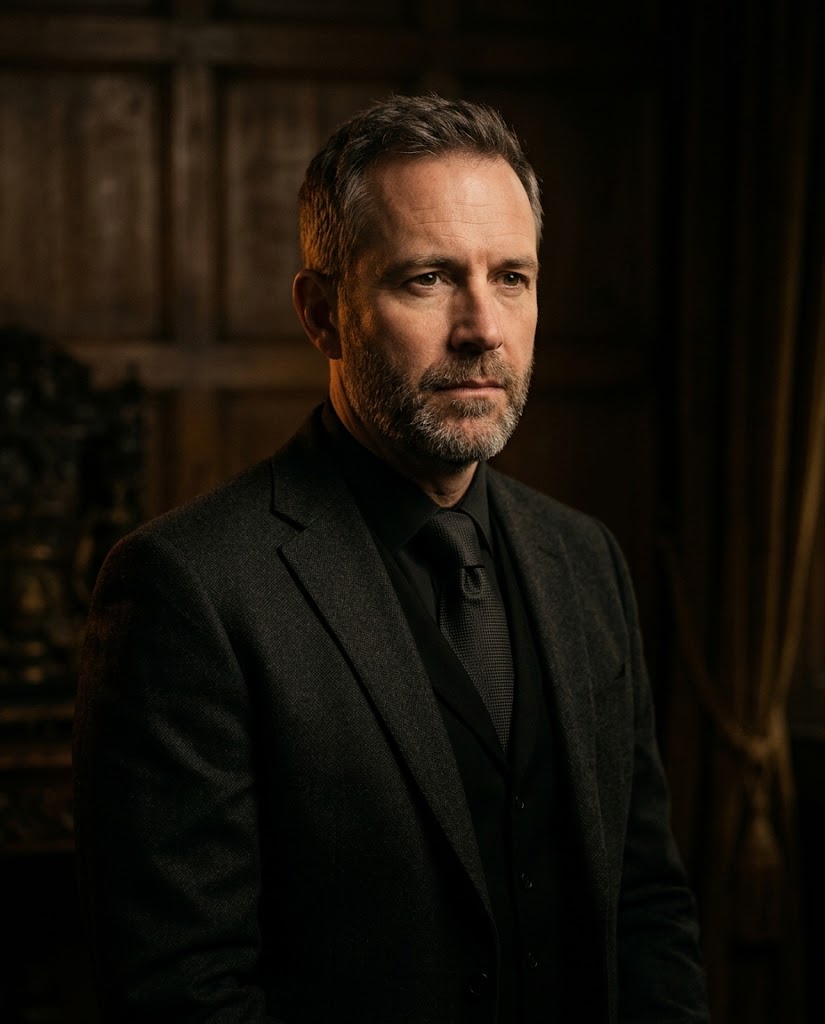
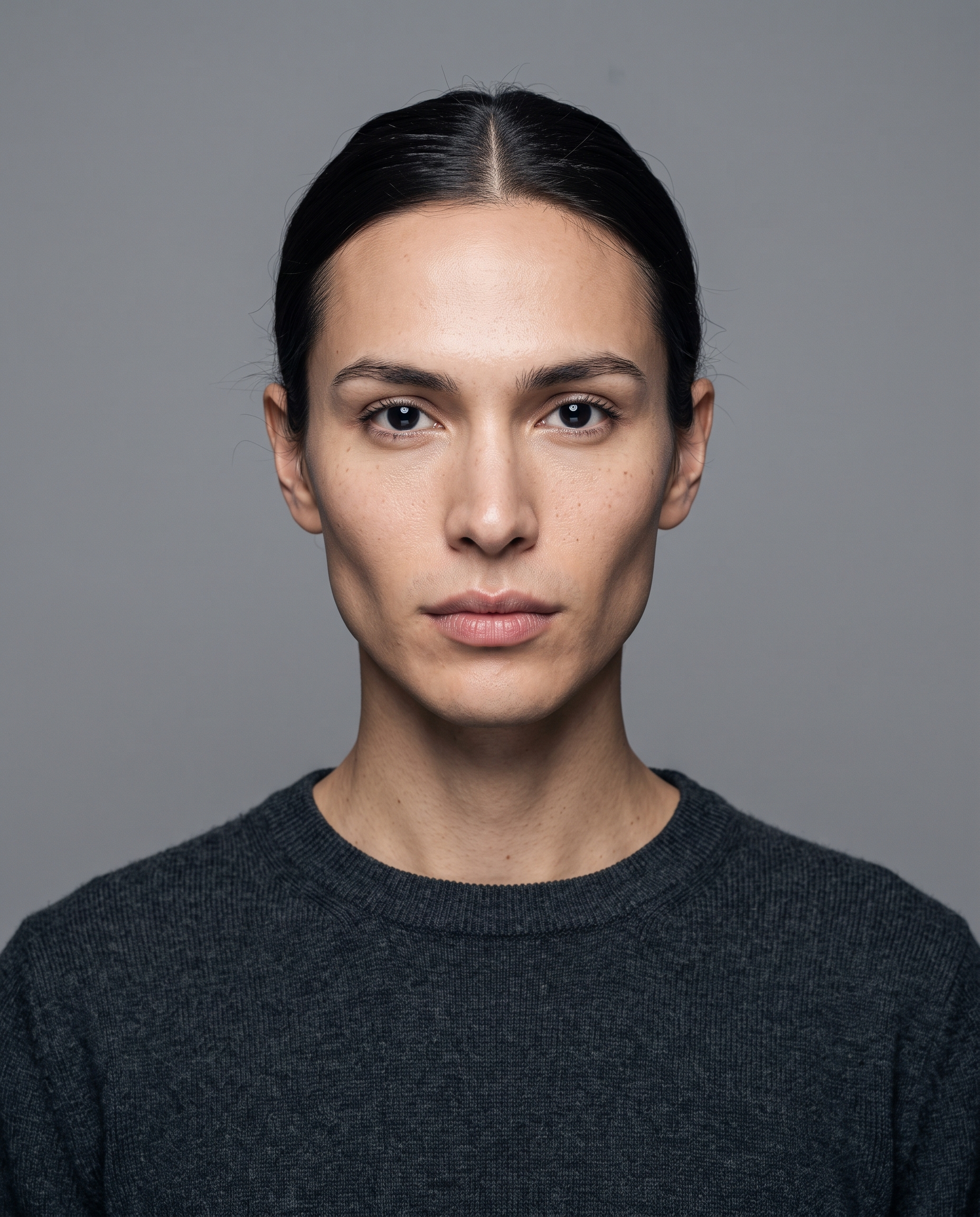
A LinkedIn photo is usually seen at a small size. The most helpful choices are often simple: a current image, a clear crop, and a look that fits the professional context you want to present.
Common issues to check
- A busy background that competes with your face.
- An outdated image that no longer represents your current appearance.
- A crop that makes the subject difficult to recognize at a small size.
- Heavy filters or effects that are distracting in a professional setting.
Test the profile crop
Preview the image in the circular or square crop used by the platform. Make sure the face remains clear and that important parts of the composition are not cut off.
A strong profile photo supports a clear professional presentation, but it does not guarantee recruiting, networking, or business outcomes.