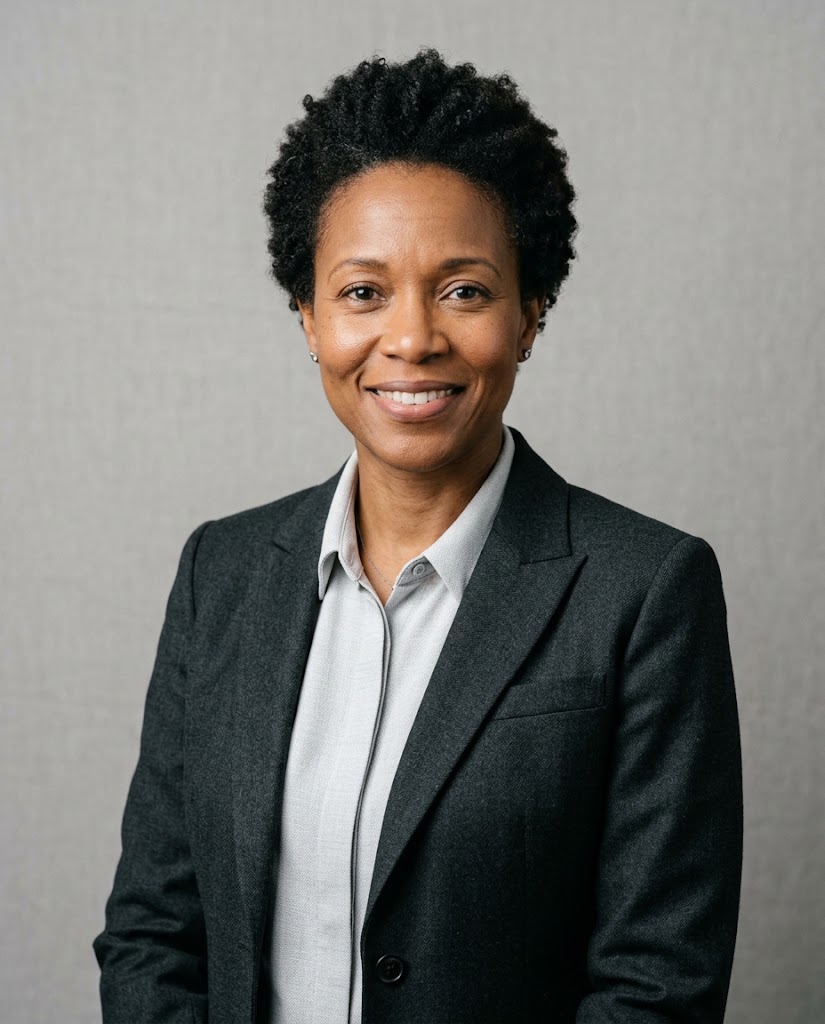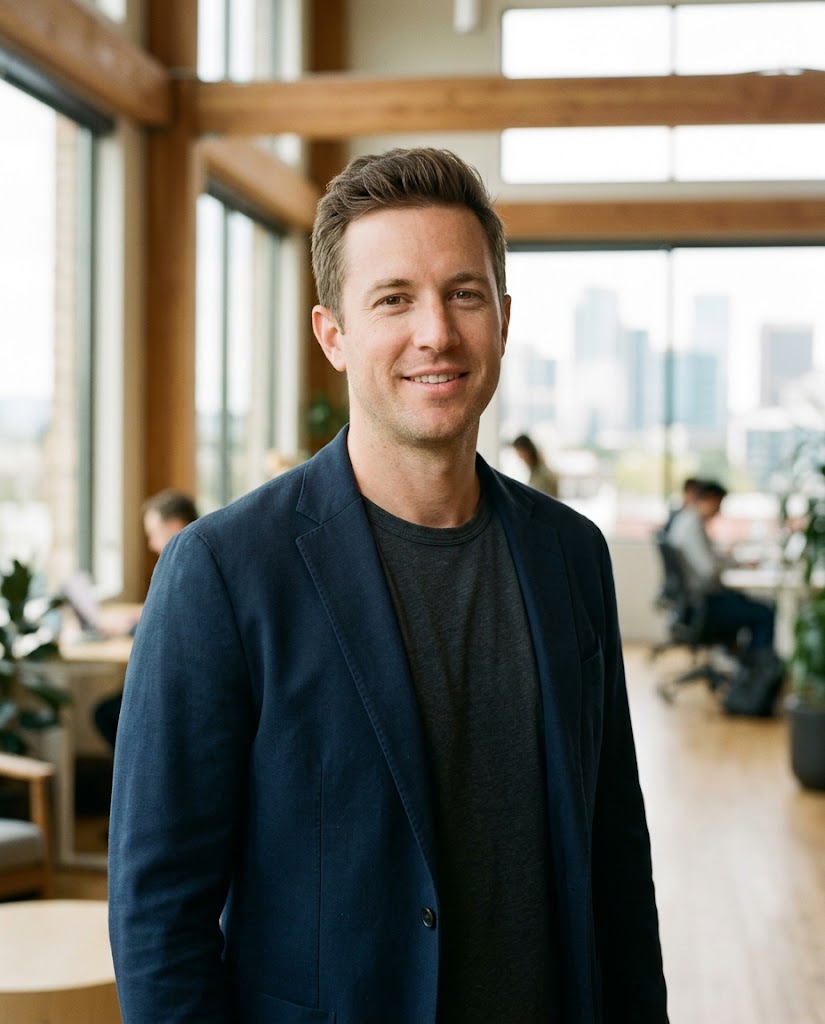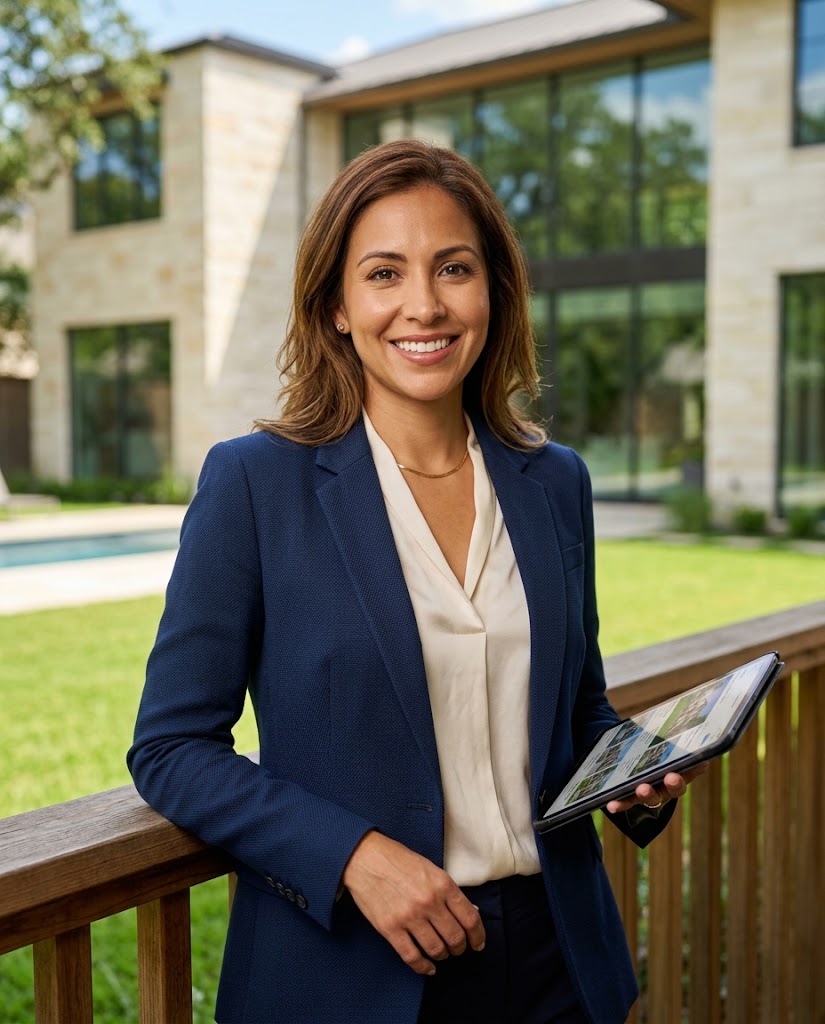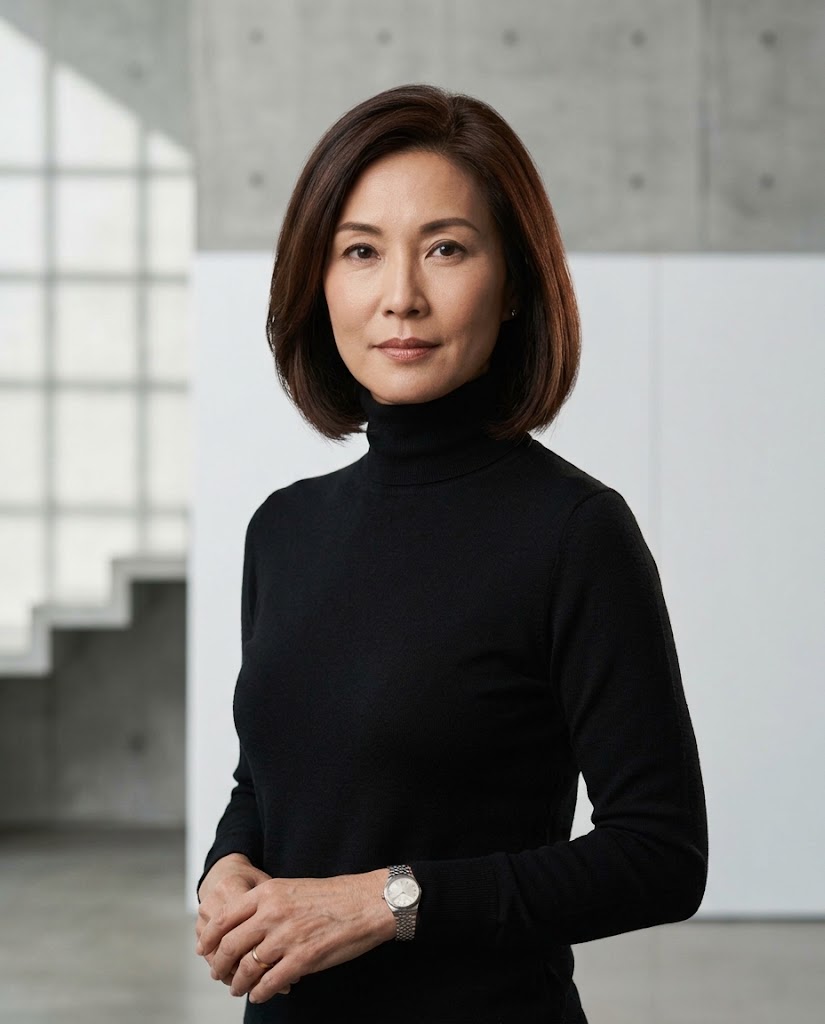
How to Take a Better Source Photo for AI Headshots (No Gear Required)
The quality of your AI headshot depends heavily on what you give it to work with. Here's how to take a source photo that gets you the best possible result.
AI headshot tools have gotten genuinely impressive. But they're still working with whatever you give them. A blurry, badly lit selfie from a bad angle will produce a worse result than a clear, well-lit photo taken facing a window. The gap isn't as big as it used to be, but it's still there.
Here's what actually matters when you're taking a source photo for AI processing.
Lighting is 80% of the work
Find a window. Stand facing it. This alone will make your photo dramatically better. The soft, diffused light from a window (especially on an overcast day) is what photographers call "natural beauty light" — it's even, flattering, and shows facial features clearly.
Avoid: overhead lighting (shadows under your eyes and nose), direct sunlight (harsh shadows and squinting), bathroom lighting (unflattering color temperature), and any situation where your face is backlit.
Face the camera directly
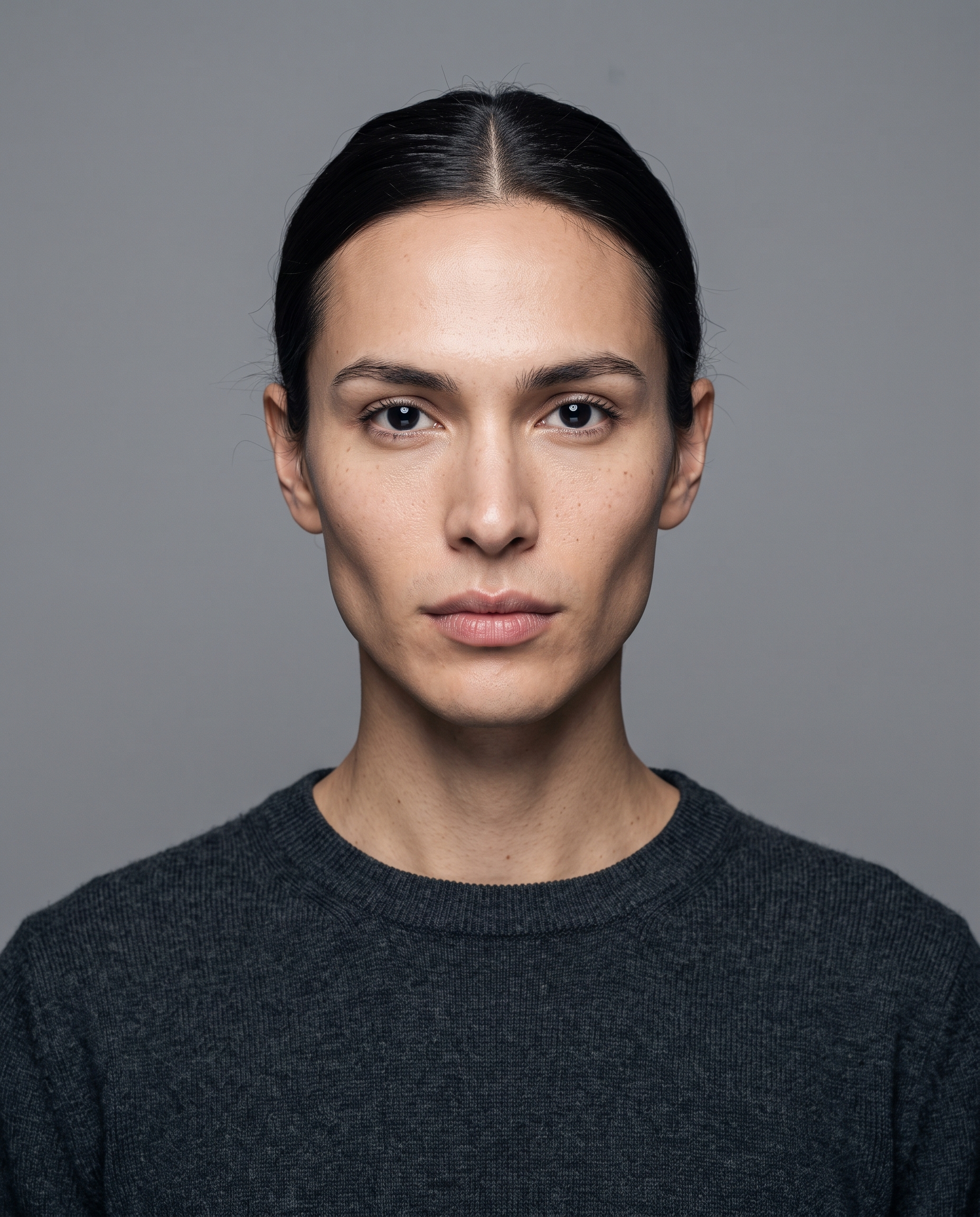
AI tools work best when they can clearly see your full face. A slight angle is fine, but don't give it a three-quarter profile or a photo where you're looking away. The AI needs to see both eyes, your nose, and your mouth clearly.
Wear something close to what you'd actually wear professionally
If you want a corporate headshot output, don't upload a photo in a t-shirt and hope the AI figures it out. Wear a collar. Wear something dark and simple. The AI will use your clothing as context for how to style the final output.
Things to specifically avoid
- Sunglasses or hats — the AI needs to see your full face
- Heavy filters or Snapchat-style effects
- Photos where other people are cropped partially into the frame
- Extremely low resolution (under 500px wide)
- Photos where you're clearly mid-blink or mid-sentence
- Strong backlighting that puts your face in shadow
The expression actually matters
A relaxed, neutral-to-slight-smile expression in your source photo tends to produce more natural results than a forced grin or a completely blank face. The AI processes emotional cues from the source image and applies them to the output. Give it something natural to work with.
Quick tip: Take 10-15 photos in quick succession while in good light, then pick the one where your expression looks most natural. The first few will look stiff. The best ones usually come toward the end of the burst.
See the difference yourself
Upload a selfie and see what a studio-quality portrait looks like — no credit card needed for the preview.
Generate Free Preview